GIT HUB
GIT :
Its a tool that software developers use all over the world, its not just used by the multinational companies but also used by the startups and some small companies.
GIT is a version control system, (VCS) where VCS is a group of files with monitored access. lets take an example,
If your a graphic or a web designer and want to keep all the version of an image or layout we can use VCS this allows us to:
VCS will let us to view our project history that how the project looked yesterday, a week ago ...
WHY GIT?
Git is VCS developed by Linus Torvalds(Father of linux os), GIT is used to manage the project easily and effectively
GitHub is a website for sharing the projects with collaborations or with the whole world. I can simply call it as the "SOCIAL NETWORK FOR THE PROJECT"
Installation:
Its a tool that software developers use all over the world, its not just used by the multinational companies but also used by the startups and some small companies.
GIT is a version control system, (VCS) where VCS is a group of files with monitored access. lets take an example,
If your a graphic or a web designer and want to keep all the version of an image or layout we can use VCS this allows us to:
- Retrieve the file back to the previous state
- Retrieve the entire project back to the previous state
- Compare changes over time
- To see who modified something
- Who introduced an issue and when
VCS will let us to view our project history that how the project looked yesterday, a week ago ...
WHY GIT?
Git is VCS developed by Linus Torvalds(Father of linux os), GIT is used to manage the project easily and effectively
GitHub is a website for sharing the projects with collaborations or with the whole world. I can simply call it as the "SOCIAL NETWORK FOR THE PROJECT"
Installation:
Now that we know what a Version Control System is, let’s make sure you already have an installed version of
Git on your computer so it’s easy to follow along.Apple
If you have a Mac, Good News! It comes on your system by default. Go right ahead to the next chapter.
Windows
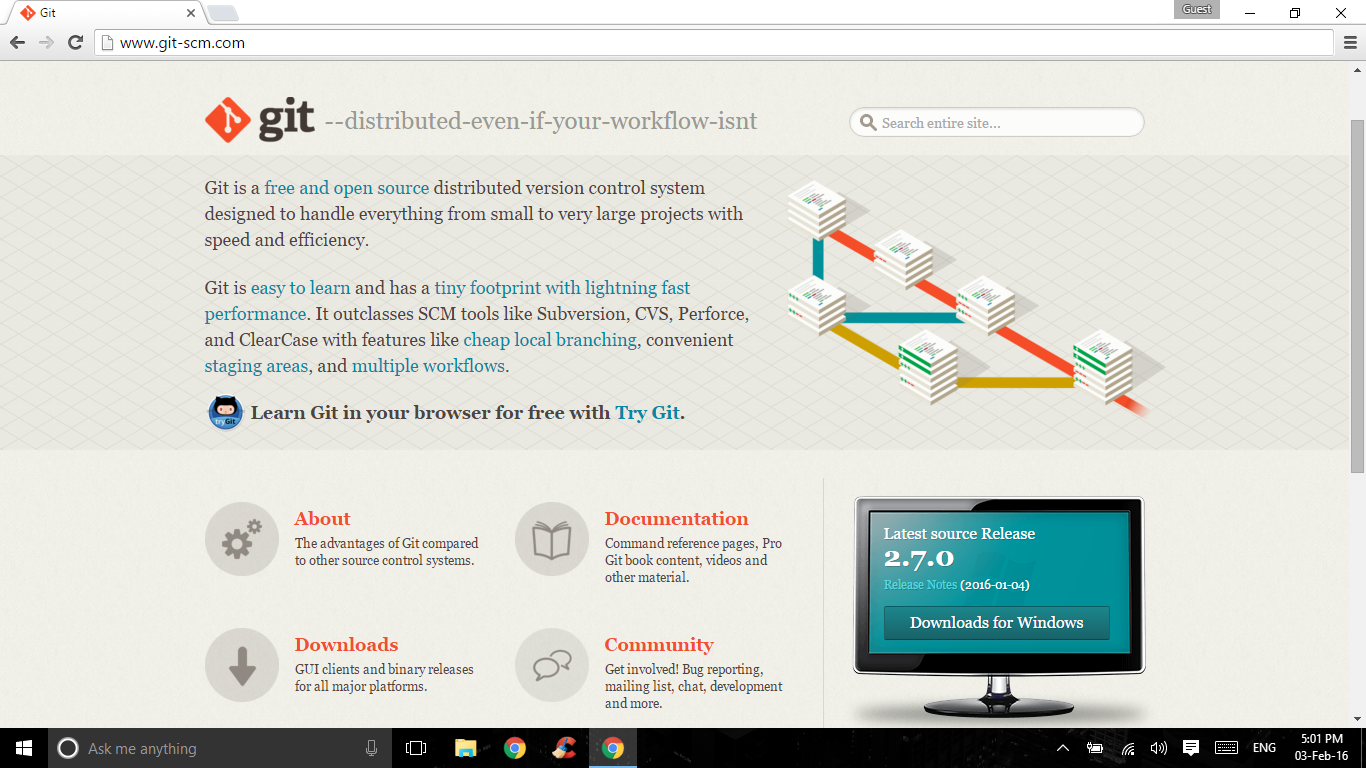
Head over to this link. You will notice that the website recognizes your OS and prompts you to download the latest version.
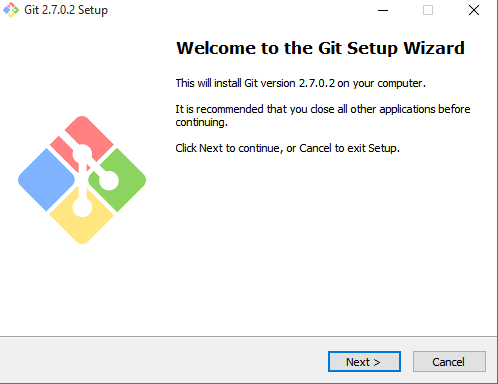
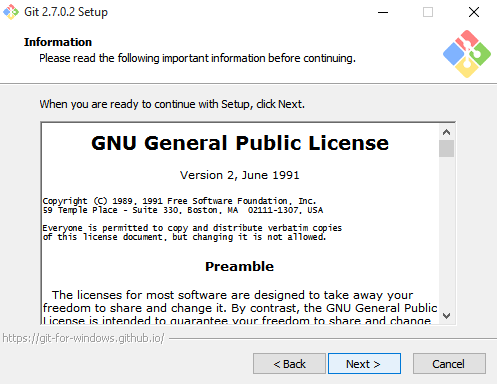
Go ahead and install from the package. When you open the installer, just click Next and install Git with the default settings since they are the recommended settings. You may change the installation directory if you need to.
- Go into the Start Menu after the installer is complete and look for the Git folder / icon. You may see two options,
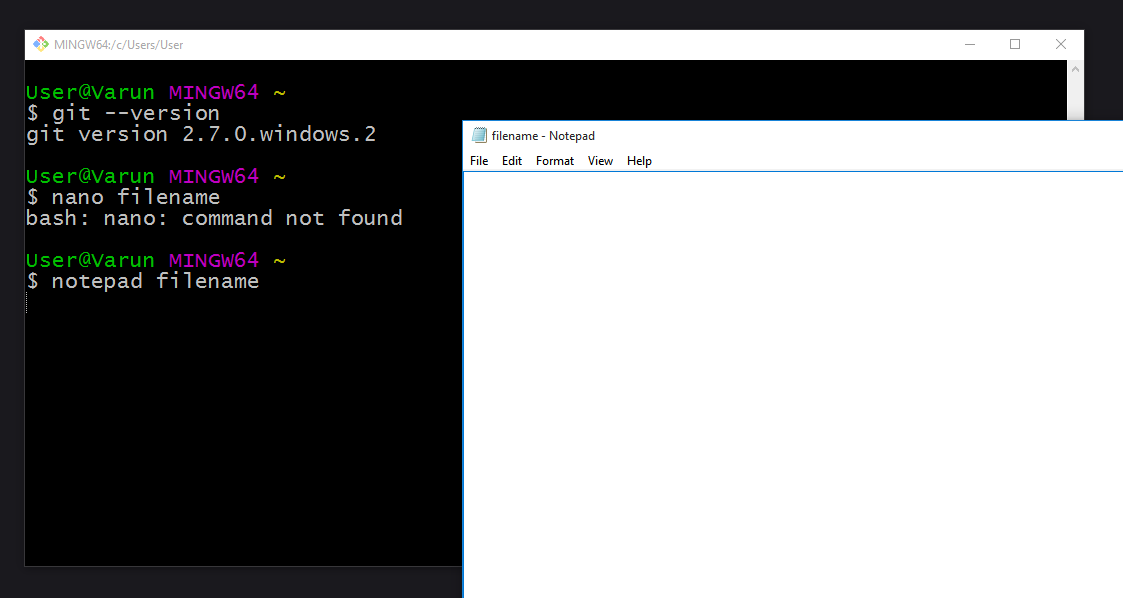
Git GUIorGit Bash. Some people prefer to use the GUI but we are going to focus on the command line in this course. But feel free to check the Git GUI whenever you like. - Git Bash is a command line interface similar to Unix Bash. It will run almost all commands that we use in the course. Go on, try out by typing $git --version on the command line.
One difference in the way this will differ is that we will be using the nano editor to edit files, which is not available on the Windows OS.
Example: we will be typing $ nano filename to open a file but typing this on a Windows machine will result in a command not found error. Instead, you can type in $ notepad filename and work just fine!
Linux
If you want to install the basic Git tools on Linux via a binary installer, you can generally do so through the basic package-management tool that comes with your distribution.
- If you’re on Fedora for example, you can use yum: $ sudo yum install git-all.
- If you’re on a Debian-based distribution like Ubuntu, try apt-get: $ sudo apt-get install git-all
Comments
Post a Comment